Last Updated on July 16, 2026 by Dr. Bhagat
Staring at a blank page, with a research paper deadline looming, is a feeling every student and academic knows too well. The mountain of literature to review, the pressure to write with clarity, and the tedious task of formatting citations can be overwhelming.
But what if you had an intelligent assistant to help you navigate the entire process? Welcome to the world of AI-powered academic writing. This guide breaks down the best AI tools for academic writing in 2026, moving beyond the hype to give you a tested and ranked list of platforms that can genuinely streamline your workflow, from initial research to final submission.
We’ve spent hours testing these tools to see which ones are true game-changers and which are just fancy grammar checkers. Whether you’re an undergrad writing your first essay or a PhD candidate tackling a dissertation, the right AI tool can help you save time, enhance clarity, and produce higher-quality work — ethically.

What’s New in AI Academic Writing for 2026
AI-assisted academic writing has moved from a niche experiment to mainstream practice in just a few years. A 2026 study published in the Proceedings of the National Academy of Sciences, which analyzed more than 5,100 academic journals and 5.2 million papers, found that roughly 70% of journals now maintain some form of AI use policy — yet fewer than 1 in 1,000 papers published since 2023 explicitly disclose AI assistance, suggesting that usage has far outpaced transparency.
At the same time, surveys of UK undergraduates in 2026 found that the vast majority now use generative AI in some form for their coursework. The takeaway for researchers and students isn’t to avoid these tools — it’s to use them transparently, disclose their use where required, and choose tools built specifically for academic rigor rather than generic chatbots that can fabricate sources.
Let’s be clear: AI tools are not here to write your paper for you. Submitting AI-generated work as your own, without disclosure where your institution or journal requires it, is academic misconduct. Instead, think of these tools as supercharged assistants. They can help you organize your thoughts, find relevant papers, polish your grammar, and format citations, freeing you up to focus on critical thinking and developing your arguments.
However, the rise of these tools brings valid concerns about academic integrity. Universities and publishers are establishing clear guidelines on AI use, often requiring disclosure if a tool was used in the writing process. Furthermore, AI detection tools like Turnitin are becoming increasingly sophisticated at identifying AI-generated text.
The key is to use AI responsibly. Use it for brainstorming, summarizing, and editing, but never let it replace your own intellectual engagement. Always verify AI-generated information, as these tools can sometimes fabricate sources or present inaccuracies.
To find the best AI tools for academic writing in 2026, we didn’t just read marketing pages. We dove in, testing each platform against criteria that matter most to students and researchers:
- Academic Focus: How well is the tool tailored for academic work? Does it understand technical jargon, citation formats, and the nuances of formal writing?
- Core Features: We evaluated the quality of key functions like literature review, grammar correction, paraphrasing, citation generation, and plagiarism checking.
- Ease of Use: Is the interface intuitive? Can you get started quickly without a steep learning curve?
- Accuracy & Reliability: Does the tool generate accurate citations? Are the grammar suggestions reliable? Does it invent sources (“hallucinate”)?
- Value for Money: We compared the features offered in free and paid plans to determine the overall value.
After extensive testing, here are our rankings for the best AI tools for academic writing in 2026.
Paperpal
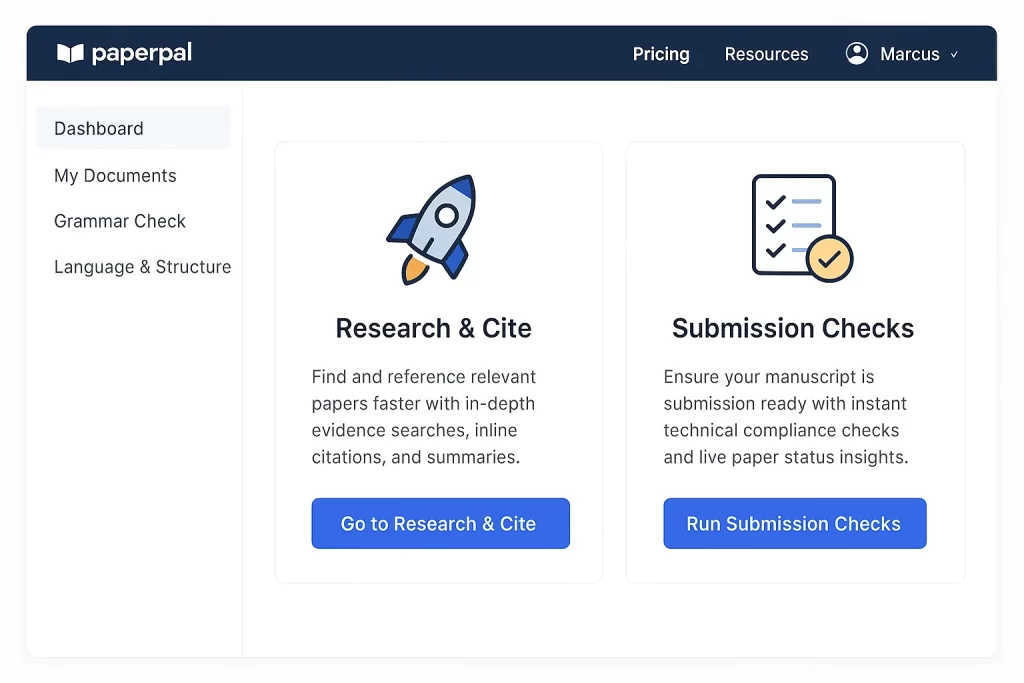
Paperpal stands out because it was built from the ground up for researchers. It’s more than a grammar checker; it’s a comprehensive suite designed to assist with the entire writing and submission process. A 2022 University of Cambridge study even pointed to Paperpal as the best AI tool for researchers among seven competitors — and it has continued to expand its submission-readiness features since.
Key Features:
- Academic-Specific Language Suggestions: Provides precise grammar and style corrections tailored for academic text.
- Research & Cite: Finds and cites references from a database of over 250 million articles.
- Submission Readiness Checks: Includes over 30 checks for journal submission, including a plagiarism checker partnered with Turnitin.
- AI Writing Assistant: Helps generate outlines, provides contextual text suggestions, and translates in over 50 languages.
Pros:
- Specifically trained on millions of published research manuscripts.
- All-in-one platform reduces the need to switch between multiple tools.
- Strong features for non-native English speakers.
Cons:
- Plagiarism check is limited on the Prime plan (10,000 words/month).
- Some users report a learning curve to master all features.
- Can be slow to load suggestions on very large documents.
Pricing:
- Free Plan: Offers limited access to language suggestions and AI features.
- Prime Plans: $25/month, $55/quarter, or $139/year.
- 3-Year Saver Plan: A newer option at $289 one-time (roughly $8/month) for long-term PhD candidates and faculty who write regularly.
Verdict: For serious researchers and students who want a single, powerful tool to manage everything from research to submission, Paperpal is the clear winner. Its academic-specific intelligence sets it apart from more generalist tools.
Jenni AI
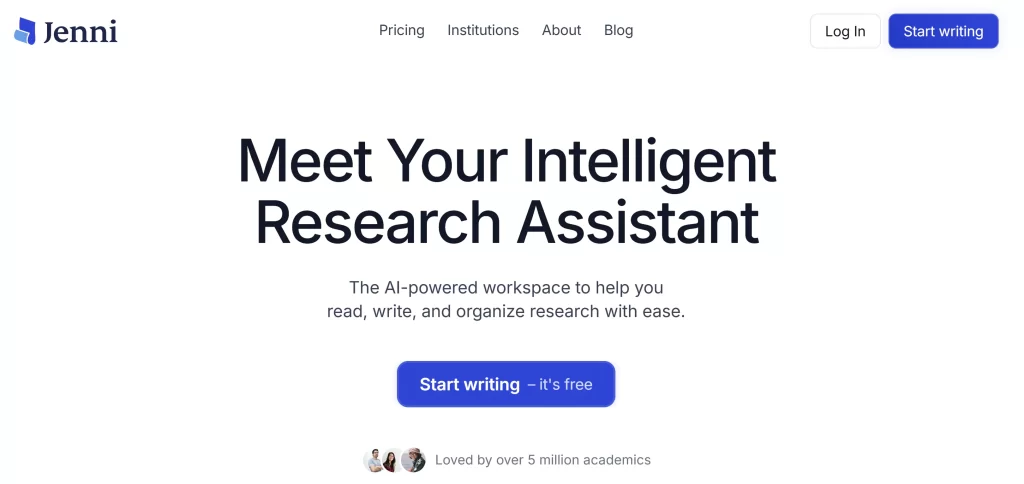
Jenni AI functions as an intelligent co-pilot that writes alongside you rather than for you. It’s particularly strong at overcoming writer’s block with its AI autocomplete feature, which suggests ways to phrase arguments based on the sources you’ve uploaded.
Key Features:
- AI Autocomplete: Actively suggests sentences and paragraphs as you type, based on your research library.
- In-text Citations: Consults your uploaded PDFs and the latest research to help you cite sources in over 1,700 styles.
- Research Library: Store and organize your research papers and chat with your PDFs to extract information.
- Outline Builder & Paraphrasing Tool: Helps structure your paper and rephrase text for clarity.
Pros:
- Excellent for overcoming writer’s block and structuring drafts.
- Integrates research and writing in a seamless workflow.
- Praised by users for feeling more intuitive and scholarly than general tools like ChatGPT.
Cons:
- Can sometimes invent sources or provide general answers, requiring user verification.
- Does not have a built-in plagiarism checker.
- Plan names and pricing have changed more than once recently — always confirm current pricing on Jenni’s site before subscribing.
Pricing:
- Free Plan: Limited to roughly 200 AI words per day.
- Plus Plan: From around $12/month (billed annually) for unlimited autocomplete and edits.
- Pro Plan: Around $29/month for unlimited AI chat, unlimited reviews, and priority support.
Verdict: Jenni AI is perfect for students and researchers who want an interactive partner to help them build arguments and structure their papers. Its source-based autocomplete is a standout feature that truly feels like a productivity multiplier.
ResearchPal
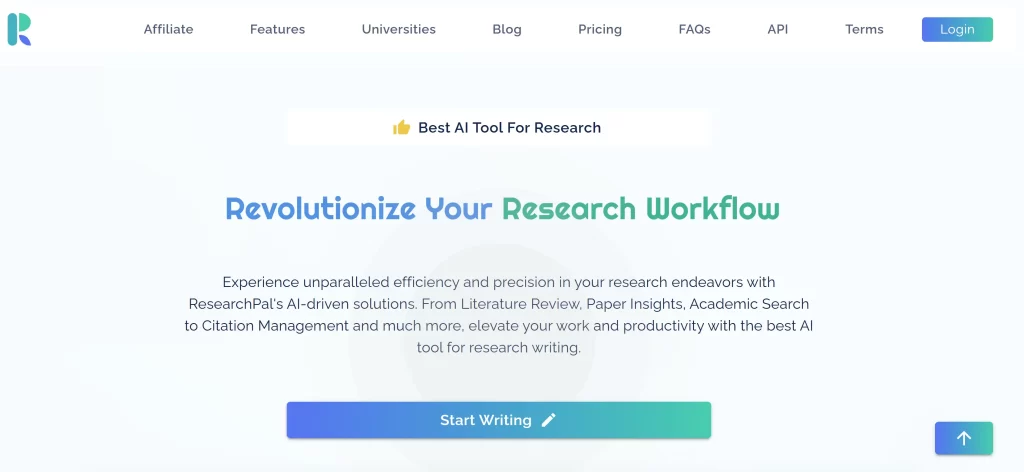
ResearchPal aims to be the only window you need for academic writing. It combines a built-in search engine, a research library, literature review automation, and AI writing tools into one platform.
Key Features:
- Literature Review Automation: Can generate literature reviews with correct citations.
- PDF Chat & Insights: Upload papers, chat with them, and extract key insights into tables.
- Citation Management: Integrates with Zotero and Mendeley and generates citations in any format.
- AI Writing Tools: Rewrite text in different tones, adjust length, and find authentic citations for claims.
Pros:
- Combines multiple research tools (Zotero, Google Scholar, Overleaf) into a single interface.
- Strong focus on automating the literature review process.
- Praised by PhD researchers for its efficiency and productivity boost.
Cons:
- A newer tool, so long-term reliability is still being established.
- The free plan is quite limited in scope.
Pricing:
- Free Plan: Allows for 1 project, 3 paper uploads, and limited use of features.
- Paid Plans: Start from $19/month.
Verdict: ResearchPal is an excellent choice for researchers who are tired of juggling multiple tabs and tools. Its ability to centralize the entire research and drafting process makes it a powerful and cost-effective option.
SciSpace
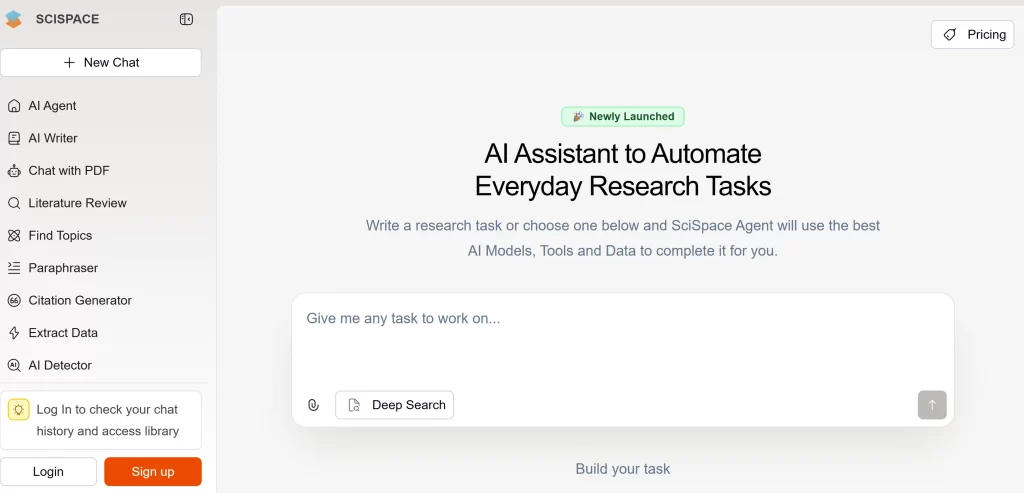
SciSpace is an all-in-one platform designed to help you discover, analyze, and write about scientific literature. Its standout feature is its ability to use AI to understand research papers, letting you ask questions and get cited answers directly from the documents.
Key Features:
- Literature Review: Search a database of over 280 million papers using natural language questions.
- AI Copilot: Chat with your PDFs to get summaries, explanations of complex text, and answers to follow-up questions.
- AI Writing Tools: Includes a paraphraser with 22 preset tones, a citation generator, and an AI detector.
- DeepReview: An “agentic” AI that performs a multi-step search to create a first draft of a literature review.
Pros:
- Excellent for quickly understanding and extracting information from dense academic papers.
- The AI Copilot is a powerful tool for deep analysis of individual papers.
- Stronger focus on peer-reviewed sources compared to general AI chatbots.
Cons:
- Some users report software lags with large documents and unreliable customer support.
- Many of the best features are locked behind a paywall.
- The advanced DeepReview feature requires a separate, more expensive subscription.
Pricing:
- Free Plan: Basic access with limited features.
- Premium Plan: Starts at $12/month (billed annually).
- Advanced Plan (for DeepReview): $70/month.
Verdict: If your biggest challenge is the literature review, SciSpace is a top-tier choice. It excels at helping you find and deeply understand academic papers, making it a powerful research assistant.
Elicit
Elicit is an AI research assistant that automates the most time-consuming parts of a literature review, especially systematic reviews. It can find relevant papers, summarize takeaways, and extract specific data into organized tables.
Key Features:
- Automated Systematic Reviews: Elicit claims to make systematic reviews 80% faster by automating search, screening, and data extraction.
- Data Extraction: Pulls specific data points from hundreds of papers into tables, even from within PDF tables.
- Semantic Search: Finds relevant papers from a database of over 125 million, even if you don’t use the exact keywords.
- Citation-Backed Answers: All extractions and summaries are linked directly to the source text for easy verification.
Pros:
- Highly trusted by researchers for data extraction accuracy.
- Excellent at finding papers you might miss with traditional search engines.
- Transparently cites all information, reducing the risk of AI hallucinations.
Cons:
- Primarily focused on research analysis, not a full writing assistant.
- Accuracy is highest for empirical fields; may be less effective for humanities.
- The free plan has limits on data extraction.
Pricing:
- Basic Plan: Free with 5,000 one-time credits.
- Plus Plan: $10/month (billed annually) for 12,000 monthly credits.
- Pro Plan: $42/month (billed annually) for systematic review workflows.
Verdict: For graduate students and professional researchers conducting systematic reviews or meta-analyses, Elicit is an indispensable tool. It automates the most tedious parts of research with a high degree of accuracy.
QuillBot
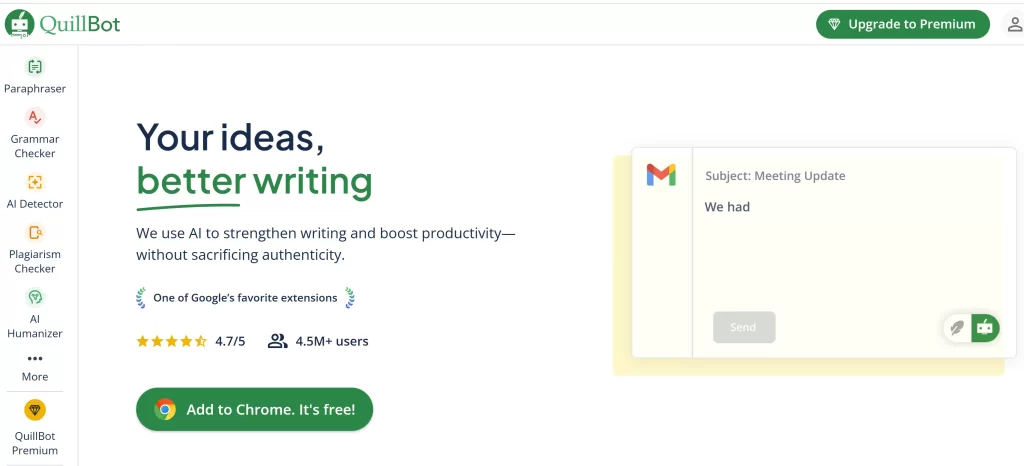
While many tools offer paraphrasing, it’s QuillBot’s core strength. It’s widely used by students to rephrase text, improve fluency, and check for grammar. It has a dedicated user base in academia for its straightforward approach to improving existing text.
Key Features:
- Paraphraser: Offers multiple modes (e.g., Standard, Fluency, Academic) to rephrase text while maintaining the original meaning.
- Summarizer & Grammar Checker: Condenses long articles into key points and checks for basic grammar errors.
- Citation Generator: Creates citations in APA, MLA, and Chicago styles.
- QuillBot Flow: An all-in-one word processor that integrates its tools to help you research and write faster.
Pros:
- Excellent and versatile paraphrasing capabilities.
- User-friendly interface with a generous free plan.
- The integrated research and citation features in QuillBot Flow are very helpful for students.
Cons:
- The paraphrased text can sometimes sound unnatural and require manual editing.
- Its grammar checker is less robust than dedicated tools like Grammarly.
- The free version has a word limit for the paraphraser (125 words).
Pricing:
- Free Plan: Limited access to paraphraser modes and word counts.
- Premium Plan: $8.33/month (billed annually at $99.95/year).
Verdict: QuillBot is a fantastic tool for students who need help rephrasing their ideas and ensuring their writing is clear. While not as comprehensive as all-in-one suites, it excels at its core function and is very budget-friendly.
Grammarly
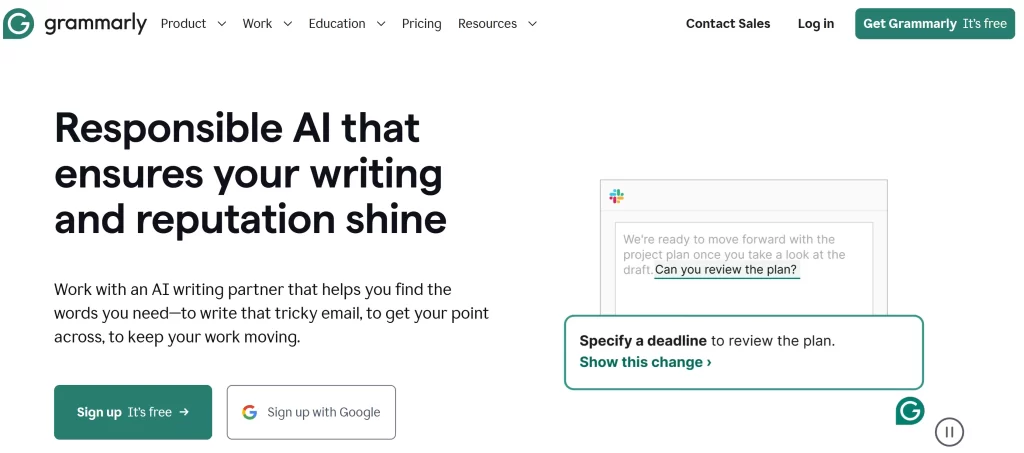
Grammarly is the most well-known grammar checker on the market, and for good reason. It’s an excellent all-around tool for catching typos, grammatical errors, and punctuation mistakes across virtually any platform. In 2026, Grammarly renamed its paid “Premium” tier to “Pro” and folded its old standalone Business plan into a custom-priced Enterprise tier as part of a broader product suite shift.
Key Features:
- Advanced Grammar & Spelling Check: Catches a wide range of errors, from simple typos to complex grammatical issues.
- Tone Detection & Style Suggestions: Helps you maintain a formal, academic tone and suggests improvements for clarity and conciseness.
- Plagiarism Checker: Compares your text against billions of web pages and academic papers.
- Citation Generator: Automatically creates citations in APA, MLA, and Chicago styles.
Pros:
- Highly accurate and comprehensive grammar checking.
- Seamless integration with browsers, Microsoft Word, and Google Docs.
- User-friendly interface with clear explanations for suggestions.
Cons:
- Less specialized for academic writing; can sometimes miss nuances of technical language or suggest overly simplistic changes.
- The free version is quite limited.
- More expensive than many competitors on monthly billing.
Pricing:
- Free Plan: Basic grammar, spelling, and punctuation checks, plus limited AI prompts.
- Pro Plan (formerly Premium): $12/month billed annually, or $30/month billed monthly.
- Enterprise Plan (formerly Business): Custom pricing for institutions and teams.
Verdict: For ensuring your final draft is polished and error-free, Grammarly is an invaluable tool. While it may not be the best for the research phase, it’s a top-tier proofreader that will help you get better grades.
Trinka AI
Trinka AI is designed specifically for academic and technical writing. It goes beyond basic grammar to check for subject-specific nuances, consistency, and adherence to academic style guides.
Key Features:
- Advanced Academic Grammar Check: Corrects over 3,000 complex grammar errors unique to technical writing.
- Publication Readiness Checks: Evaluates your manuscript on over 25 checkpoints, including journal selection and ethical compliance.
- Consistency Checks: Ensures uniformity in spelling, hyphenation, numbers, and more.
- Citation Checker: Helps ensure the reliability of your citations.
Pros:
- Custom-built for academic and technical writing, catching errors other tools miss.
- Offers support for AMA and APA style guides.
- Includes a plagiarism checker powered by Turnitin.
Cons:
- The user interface can feel a bit clunky compared to competitors.
- The free version has limited usage.
- Lacks a multi-language feature in the free version.
Pricing:
- Free Plan: Up to 10,000 words per month.
- Premium Plans: Start at $6.67/month (billed annually).
Verdict: If you find Grammarly’s suggestions too generic for your technical field, Trinka AI is the perfect alternative. Its focus on the specific demands of scientific writing makes it a powerful editing partner.
ProWritingAid

ProWritingAid is a grammar checker and style editor that provides in-depth reports to help you improve your writing. It’s particularly well-suited for long-form content like theses and dissertations, offering detailed analysis of sentence structure, pacing, and readability.
Key Features:
- 25+ Writing Reports: Provides detailed feedback on everything from writing style and grammar to overused words, sentence length, and pacing.
- Style Suggestions: Conforms to different writing styles, including academic.
- Integrations: Works with Scrivener, Google Docs, and Microsoft Word.
- Thesaurus and Rephrase Tool: Helps you find the perfect word and fix clunky sentences.
Pros:
- Excellent for in-depth analysis of long documents.
- Helps you improve your writing skills over time by identifying recurring patterns.
- More affordable than Grammarly, with a lifetime purchase option.
Cons:
- The sheer number of reports can be overwhelming for new users.
- The plagiarism checker requires separate credits, which can be expensive.
- Does not have a mobile app.
Pricing:
- Free Plan: Limited to 500 words for reports.
- Premium Plans: Start at $10/month (billed annually) or a one-time payment of $399 for lifetime access.
Verdict: For writers working on long, complex documents, ProWritingAid offers a level of analysis that few other tools can match. It’s like having a personal writing coach that helps you refine every aspect of your prose.
Consensus
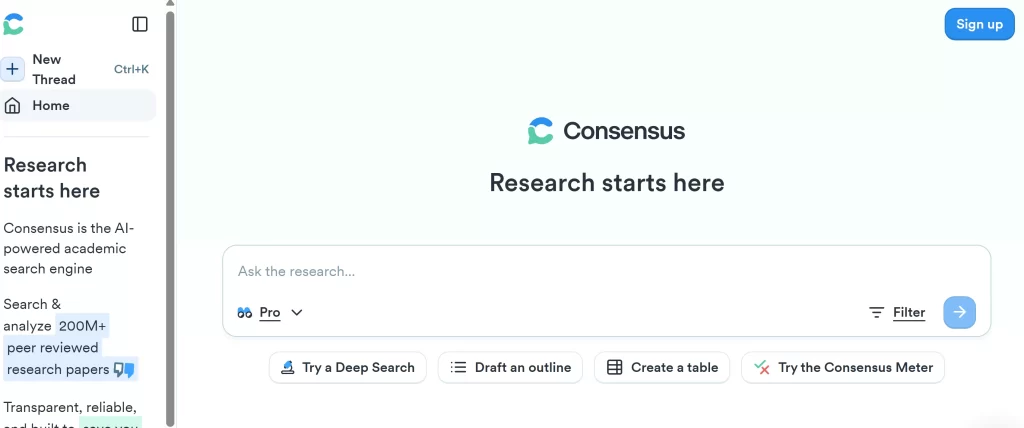
Consensus is an AI-powered search engine that scours over 200 million peer-reviewed papers to give you scientifically verified answers to your questions. It’s designed to show you what the research community agrees on, making it perfect for finding evidence to support your arguments.
Key Features:
- AI-Powered Search: Ask questions in natural language and get answers synthesized from scientific literature.
- Consensus Meter: Shows you the level of agreement on a topic across studies (Yes, No, or Possibly).
- Deep Search: A newer feature on the Pro plan that breaks complex questions into subtopics with structured, cited answers from up to 50 papers.
- Study Snapshots & Badges: Quickly identify study types (e.g., Systematic Review, RCT) and highly cited papers.
Pros:
- Excellent for avoiding “cherry-picking” single studies by showing the broader scientific consensus.
- Grounds all answers in traceable, peer-reviewed evidence, reducing the risk of AI hallucinations.
- Saves a huge amount of time in the initial research phase.
Cons:
- Works best with yes/no questions and in fields like medicine and social policy.
- The free plan limits the number of advanced AI analyses.
Pricing:
- Free Plan: 10 Pro Analyses per month.
- Premium Plan: $8.99/month (or $108/year) for unlimited Pro Analyses and Study Snapshots.
- Pro Plan: $15/month (or $120/year), adding 15 Deep Searches per month.
Verdict: When you need to quickly find out what the scientific literature says about a specific question, Consensus is an unparalleled tool. It’s a must-have for building a strong, evidence-based foundation for your paper.
Research Rabbit
Research Rabbit calls itself the “Spotify for Papers.” It’s a citation-based literature mapping tool that helps you visualize the academic landscape, discover new papers, and track author networks in an intuitive, graphical way.
Key Features:
- Interactive Visualizations: Creates graphs that show how papers and authors are connected, helping you discover new research pathways.
- Personalized Recommendations: Learns your interests as you add papers to collections and suggests relevant new articles.
- Collaboration: Share collections with colleagues and collaborate on literature reviews.
- Zotero Integration: Syncs with your Zotero library.
Pros:
- A highly intuitive and organic way to explore literature beyond keyword searches.
- Excellent for finding seminal papers and key authors in a new field.
- Completely free to use.
Cons:
- It’s a discovery tool, not a writing or editing assistant.
- The visual interface can take some getting used to.
Pricing:
- Free.
Verdict: For visual thinkers and anyone starting a literature review in a new field, Research Rabbit is a revolutionary tool. It makes the process of discovery fun and can help you uncover papers you’d never find otherwise.
Here’s a quick look at how our top picks stack up against each other.
| Tool | Pricing | Pros | Cons |
| Paperpal | Free plan available. Prime from $25/month or $139/year. | All-in-one academic writing suite • Submission readiness checks with Turnitin partnership • Strong for non-native English speakers | Can be slow on very large documents • Learning curve to master all features • May miss highly technical jargon |
| Jenni AI | Free plan available. Plus from ~$12/month, Pro ~$29/month. | Great for overcoming writer’s block • Integrates research and writing • Feels more scholarly than general AI tools | Can sometimes invent sources • No built-in plagiarism checker • Plan pricing changes frequently |
| ResearchPal | Free plan (limited). Paid from $19/month. | Combines Zotero, Mendeley & Google Scholar in one place • Strong literature review automation • Praised by PhD researchers | Newer tool, reliability still being established • Free plan is highly restrictive |
| SciSpace | Free plan available. Premium from $12/month, Advanced (DeepReview) $70/month. | Semantic search across 280M+ papers • AI Copilot for chatting with PDFs • Paraphraser with 22 tones | Best features behind paywall • Software lags on large documents |
| Elicit | Free (5,000 credits). Plus $10/month, Pro $42/month. | Automates systematic reviews • All answers cited to source text • Finds papers other search engines miss | Research tool, not a writing assistant • Free plan limits extractions |
| QuillBot | Free plan available. Premium $8.33/month (annual). | Versatile paraphrasing with multiple modes • Budget-friendly • QuillBot Flow integrates writing & citations | Paraphrased text can sound unnatural • Grammar checker less robust than Grammarly • 125-word free limit |
| Grammarly | Free plan. Pro $12/month (annual) or $30/month. Enterprise custom. | Highly accurate grammar & spelling checker • Integrates with browsers, Word, Docs • Plagiarism checker on Pro | Less specialized for academic nuance • More expensive than several competitors |
| Trinka AI | Free plan (10,000 words/month). Premium from $6.67/month. | Built specifically for academic/technical writing • Publication readiness checks • Turnitin-powered plagiarism check | Interface can feel clunky • Free plan lacks multi-language support |
| ProWritingAid | Free plan (500 words). Premium from $10/month or $399 lifetime. | 25+ in-depth writing reports • Excellent for long-form documents • Lifetime purchase option | Reports can overwhelm new users • Plagiarism checker needs separate credits • No mobile app |
| Consensus | Free plan (10 analyses/month). Premium $8.99/month, Pro $15/month. | Synthesizes 200M+ peer-reviewed papers • Consensus Meter shows scientific agreement • Citations reduce hallucination risk | Best for yes/no questions • Free plan limits advanced analyses |
| Research Rabbit | Completely free. | Visual literature mapping • Great for discovering new papers & authors • Syncs with Zotero | Discovery tool only, not a writer/editor • Visual interface has a learning curve |
The best AI tool for academic writing truly depends on your specific needs and workflow.
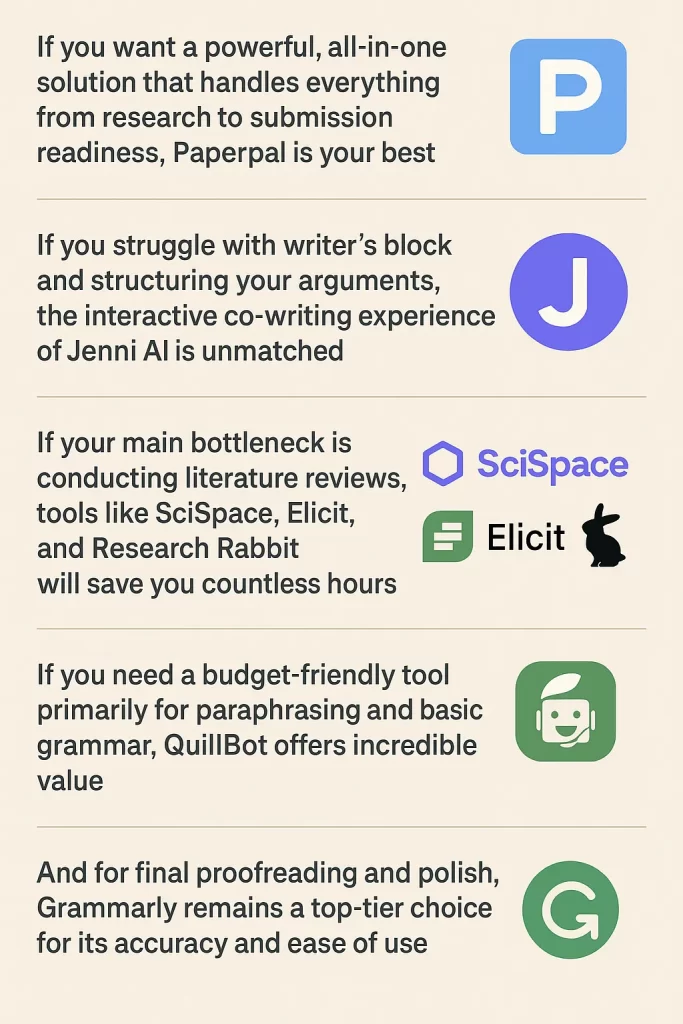
Our recommendation is to combine tools. Use a research-focused tool like Elicit or SciSpace for your literature review, draft your paper with an assistant like Jenni AI or Paperpal, and then run your final draft through a dedicated grammar checker like Grammarly or Trinka AI for a final polish.
Frequently Asked Questions
What is the best AI tool for academic writing in 2026?
There’s no single “best” tool — it depends on your stage of work. Paperpal is the strongest all-in-one choice for drafting and submission readiness, Elicit is best for systematic literature reviews, and Grammarly remains the most reliable final-polish proofreader.
Is it considered cheating to use AI tools for academic writing?
It depends on disclosure and how the tool is used. Using AI to check grammar, organize citations, or summarize sources is widely accepted. Submitting AI-generated text as your own original writing without disclosure, where your institution or journal requires it, is academic misconduct.
Can journals and professors detect AI-written content?
Detection tools like Turnitin have become more sophisticated, but no detector is perfectly reliable. Many institutions now focus less on detection alone and more on disclosure requirements and AI use statements submitted alongside coursework or manuscripts.
Do I need to pay for these tools, or are free versions enough?
Free plans are workable for occasional, light use — checking a single paragraph or summarizing one paper. If you’re writing a full thesis, dissertation, or multiple papers per year, the paid tiers (most starting between $6 and $25/month) pay for themselves in time saved and reduced desk rejections.
What’s the difference between a paraphrasing tool and an academic writing assistant?
Paraphrasing tools like QuillBot rewrite existing text you provide. Academic writing assistants like Jenni AI or Paperpal actively help generate new text, suggestions, and citations as you write from scratch.